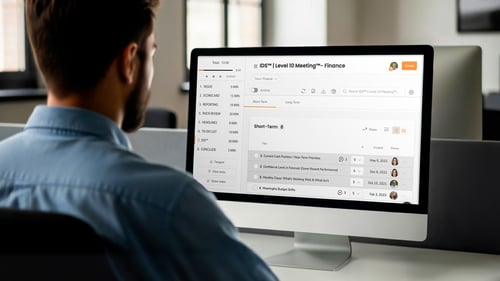


A lot of teams get frustrated when their Level 10 Meetings® don’t work the way they hoped they would. The format makes sense, but the meetings feel difficult to run. Most of the time, this is because they’re piecing all the parts of the meeting together from different tools each week.
The agenda lives in one place, the Scorecard somewhere else, and the Issues List is sitting in a separate Google Doc that everyone on the team may or may not have access to. By the time they get into the meeting, the structure is already harder to follow than it should be.
If your team runs on EOS® but you don’t feel like you’re getting the value you should out of your weekly Level 10 Meeting®, Ninety can help. It gives your team one place to run weekly meetings and keep all the work tied to it connected.
Let’s walk through how to run a Level 10 Meeting® in Ninety so your team can spend less time managing the meeting and more time solving what matters.
Table of Contents
Set Up the Meeting in Ninety
Set up your Level 10 Meeting® in Ninety as your team’s weekly meeting hub so the agenda, Scorecard, Rocks, To-Dos, and Issues List are all ready before the meeting starts.
That means it should include the people, data, and work your team will need before anyone joins. The agenda should be visible. The right attendees should be assigned to the meeting. The Scorecard, Rocks, To-Dos, and Issues List should already be tied to it so the team isn’t hunting for information once the meeting begins.
Before your next Level 10 Meeting®, make sure a few basics are in place inside Ninety:
-
The right team members are attached to the meeting.
-
The meeting agenda is visible and ready to use.
-
The team Scorecard is connected and current.
-
Rocks are showing up and they’re assigned to the right people.
-
Open To-Dos are visible.
-
The Issues List is active and ready to capture new issues.
If you’re struggling to get your Level 10 Meeting® set up the right way in Ninety, our support team is here to help. Reach out and we’ll work with you to get the structure working the way it should.
The goal is simple. When the meeting starts, your team should be able to stay inside Ninety from beginning to end. No switching tabs, no rebuilding lists, and no wasting the first part of the meeting figuring out where things live. That’s what makes the meeting easier to run well week after week.
Use the Built-In Agenda and Timers
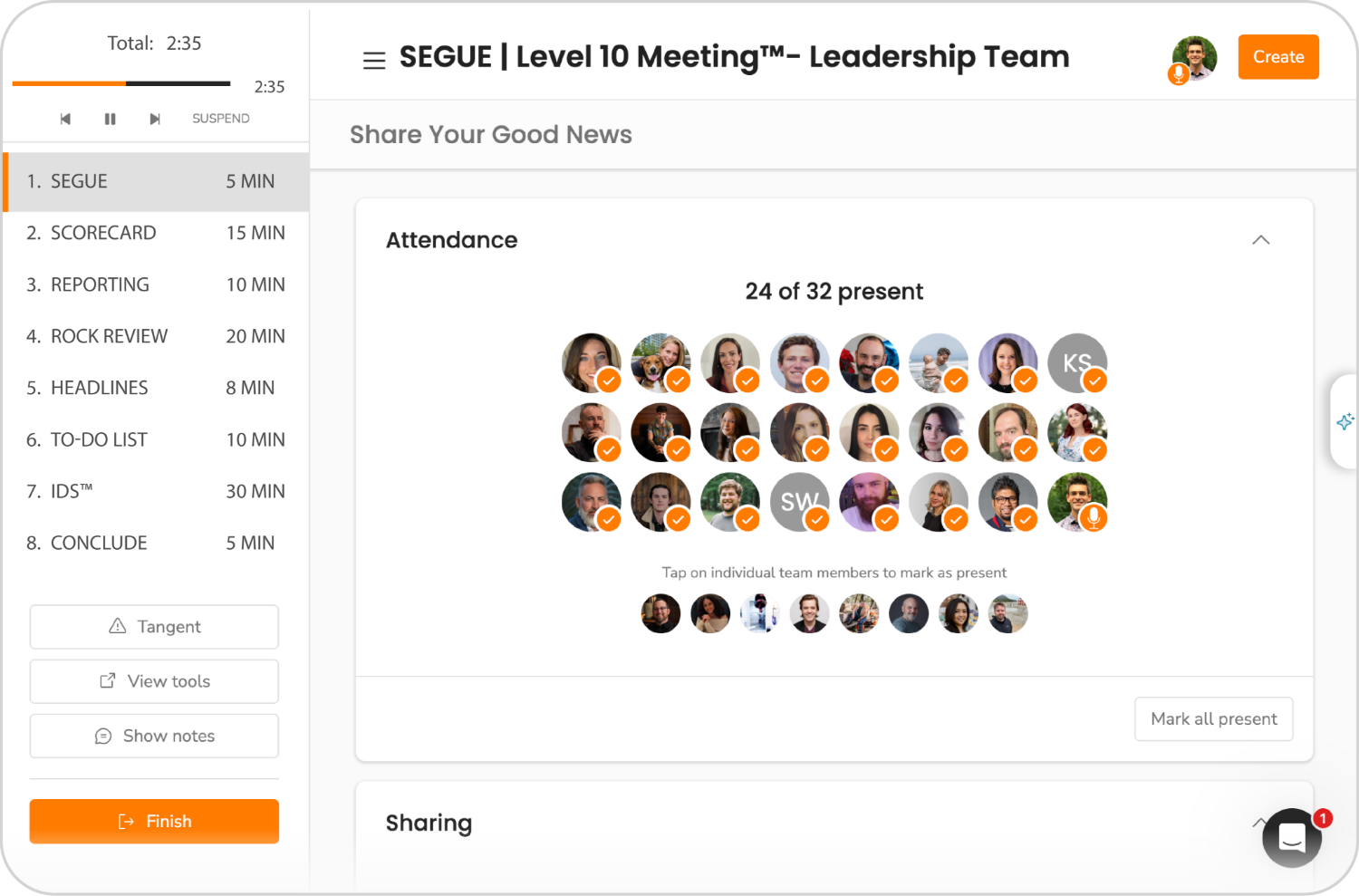
In Ninety, run the meeting by following the built-in agenda in order and using timers to protect IDS® time and keep the early sections moving.
Once you click “Start a Meeting,” your team should be working through each section in order instead of jumping around or letting one section take over the whole hour. The built-in timers help with that by making it easier to see how long the team is spending in each part of the meeting and when it is time to move on.
As you run the meeting, move through the sections one at a time:
-
Start with the Segue.
-
Review the Scorecard.
-
Move into Rock Review.
-
Cover the Headlines.
-
Review To-Dos.
-
Spend the bulk of the meeting in IDS®.
Use the early sections to review and identify, not to solve. If something needs deeper discussion, capture it and move on.
Review the Scorecard, Rocks, and Headlines
Use these sections to review what is on track, spot what is off track, and capture issues without turning the early part of the meeting into long discussions.
This is where a lot of Level 10 Meetings® start getting bogged down. A number is off, and the team starts unpacking it right there. A Rock is behind, and someone spends ten minutes explaining why. A headline opens the door to a broader conversation, and the early sections start taking over the hour.
Inside Ninety, the Scorecard and Rock Review are already built into the flow of the meeting. Use that structure to review what’s on track, spot what’s off track, and keep moving. These sections are there to help the team see what needs attention, not to do the full work of solving it.
That means the team should move through these sections with a simple filter:
-
If a number is on track, move on.
-
If a number is off track, capture the issue.
-
If a Rock is on track, move on.
-
If a Rock is off track, capture the issue.
-
If a headline points to a bigger problem, capture the issue.
Ninety makes this easier to manage because the Scorecard, Rocks, and Issues List already live inside the meeting. The team can spot what needs attention, drop it into the Issues List, and continue without losing track of what needs deeper discussion later.
Prioritize IDS®
In Ninety, prioritize IDS® by starting with the most important issue first, usually the one most likely to block progress if it stays unresolved.
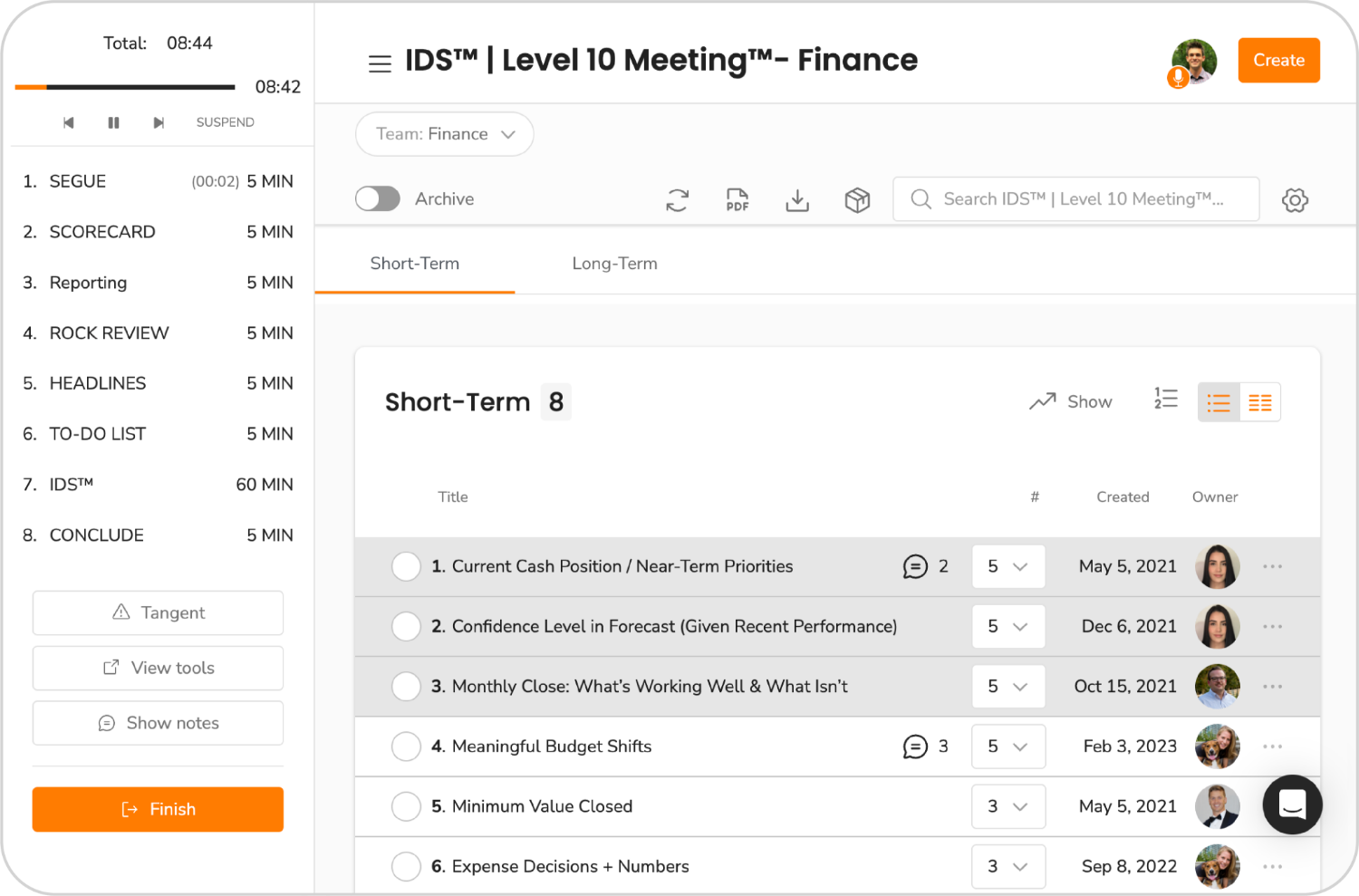
When your team gets to IDS® in Ninety, start by choosing the issue that matters most right now. In Ninety, issues can be rated from 1 to 5 so the team can quickly see which ones carry the most weight and deserve attention first. Start with the 5s, the issues that are most likely to block progress if they stay unresolved.
Then work each issue all the way through. Get clear on what the real issue is, stay on that issue long enough to solve it, and turn the solve into a clear next step or To-Do before checking it off and moving on. That’s what makes IDS® useful. It’s not just a place to talk through problems. It is where the team makes decisions and decides on next steps together.
Ninety helps here because the Issues List is already built into the meeting and stays available between meetings. Team members can add issues throughout the week as they come up, which makes it easier to walk into IDS® with a stronger list and clearer priorities. Once the meeting starts, the team can see what’s been captured, decide what deserves attention first, and work from a shared list instead of relying on memory or side notes.
If your Level 10 Meetings® keep feeling full but not especially useful, this is one of the first places to look. The problem is often not that the team had nothing important to discuss. It is that IDS® never got used with enough focus to produce a real resolution.
Rate the Meeting Before You Leave
Before the meeting ends, have everyone rate it on a scale of 1–10. Rating the meeting before people leave is important so the feedback is fresh and easier to act on right away.
This is one of the simplest habits in a Level 10 Meeting®, but it’s also one of the most powerful. The rating gives the team a quick way to say whether the meeting was actually beneficial. Did the agenda stay on track? Did the team protect enough time for IDS®? Did people leave with enough clarity, ownership, and follow-through?
The number matters, but the conversation behind it matters more.
If someone gives the meeting a 6 while everyone else gives it a 9 or a 10, that tells you something. Maybe the team spent too long in the early sections. Maybe the real issue never got solved. Maybe the conversation felt active, but the meeting still didn’t produce enough value. The rating creates space to catch that right away instead of waiting for frustration to build over time.
That’s also why the rating should happen before people leave, not afterward in a separate survey. The meeting is still fresh, the team can talk about it honestly, and the feedback is easier to act on while everyone remembers what just happened. Because those ratings stay tied to the meeting in Ninety, the team can also look back later and see whether the meeting rhythm is actually getting better.
Over time, the rating helps the team tighten the format. It builds awareness around where the meeting loses energy, where the agenda starts slowing down, and where IDS® is not getting enough time. The point isn’t to be perfect. It’s to keep making the meeting better, one week at a time.
Need help getting your Level 10 Meeting® set up the right way in Ninety? Our support team can help you tighten the setup, improve the flow, and get more value out of the meeting each week. Reach out now.
Common Level 10 Meeting® Mistakes and Fixes
Most Level 10 Meeting® problems come from trying to discuss and resolve issues too early, letting side conversations take over, or entering IDS® without clear priorities. The fixes are usually simple.
Here are a few of the most common problems teams run into:
Mistake #1: Solving issues during the Scorecard or Rock Review
Fix: Capture the issue to the Issues List and move on.
Mistake #2: Letting headlines open the door to long side conversations
Fix: Drop the issue into the list and bring it back during IDS®.
Mistake #3: Starting IDS® with whatever issue feels newest
Fix: Use the sorting feature so 5s are automatically placed at the top of the list.
Mistake #4: Spending too long in the early sections
Fix: Use the built-in timers and keep those sections focused on review, not solving.
Mistake #5: Ending the meeting without clear ownership
Fix: Turn every issue into a clear To-Do assigned to someone on the team before moving on.
Mistake #6: Forgetting issues between meetings
Fix: Add Headlines and Issues in Ninety throughout the week as they come up.
If you're team is struggling to gain Traction® with your Level 10 Meetings, you don’t need a different meeting format. You need to work the one they already have with more consistency.
Use Ninety to Keep the Work Connected
One of the biggest advantages of using Ninety to run your Level 10 Meetings is that it keeps the conversation and the follow-through in the same place.
Meetings get harder to run when the discussion happens in one place and the real work lives somewhere else. That’s when teams start reconstructing what happened, hunting down notes, and trying to remember what was decided.
Ninety gives teams one home for the core pieces that support the meeting rhythm, including the meeting itself, the built-in agenda and timers, the Issues List, Rocks, and the Scorecard. That makes it easier for everyone to work from the same information before, during, and after the meeting.
It also helps after the meeting ends. Recap emails can go out automatically, To-Dos are already assigned in the system, and archived meetings make it easy to go back and check what was decided and when. That gives the team a much stronger record of the meeting and makes follow-through easier from one week to the next.
Software by itself can’t fix weak meeting habits. But having a system that keeps the work connected makes it much easier to run effective EOS® Level 10 Meetings® week after week.
Run Your Next Level 10 Meeting® in Ninety
The easiest way to improve your Level 10 Meeting® is to run your next one in Ninety.
Try a full meeting from beginning to end. Keep the agenda visible, review the Scorecard in the meeting itself, use the timers to manage pace, and capture issues as they come up instead of stopping to solve each one on the spot. When the meeting gets to IDS®, stay focused on the issues that matter most, end with clear To-Dos and ownership, and rate the meeting before everyone leaves.
Then pay attention to what feels different afterward. Did your team get to IDS® with enough time to actually solve something? Did ownership feel clearer at the end of the hour? Was there less cleanup after the meeting because people already knew what came next? That’s the real test.
A stronger EOS® Level 10 Meeting® in Ninety isn’t just about more features. It is about using the structure in a way that helps the meeting do its job better so your team can spend less time managing the process and more time moving the work forward.
Want to get more out of your EOS® Level 10 Meetings®? Ninety helps your team run the meeting in one place and stay connected to the work that follows. Try it now.
If your Level 10 Meetings® in Ninety still feel harder to run than they should, our support team can help. Reach out and we’ll help you get the meeting flow, setup, and structure working better.