Product Updates

We’re always improving Ninety to help you work smarter, stay aligned, and achieve more.

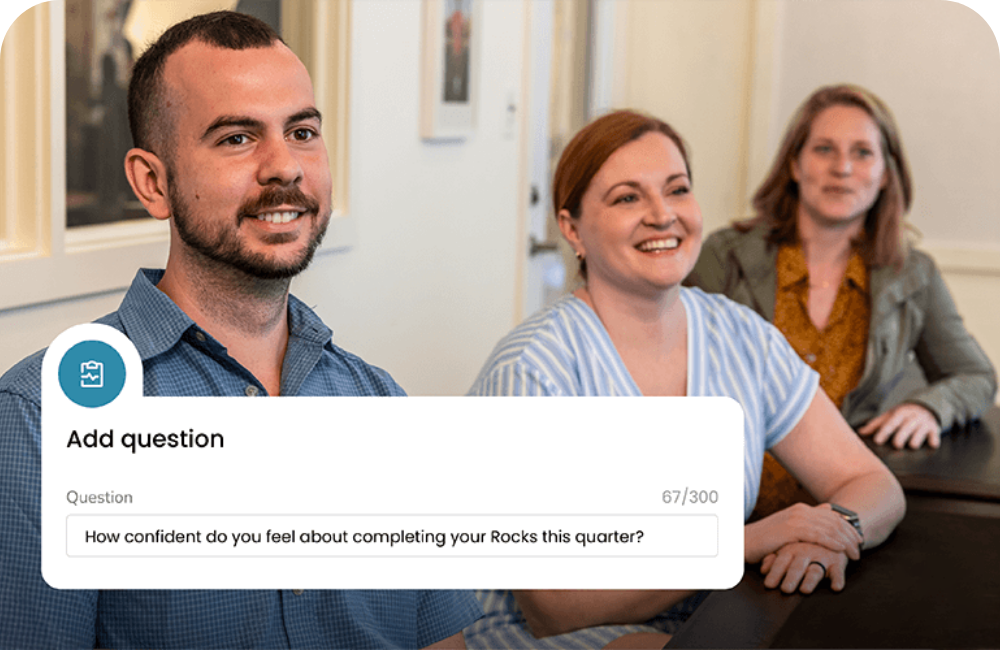
Go From Blank Slate to SMART Rock in Minutes

maz-hero-image

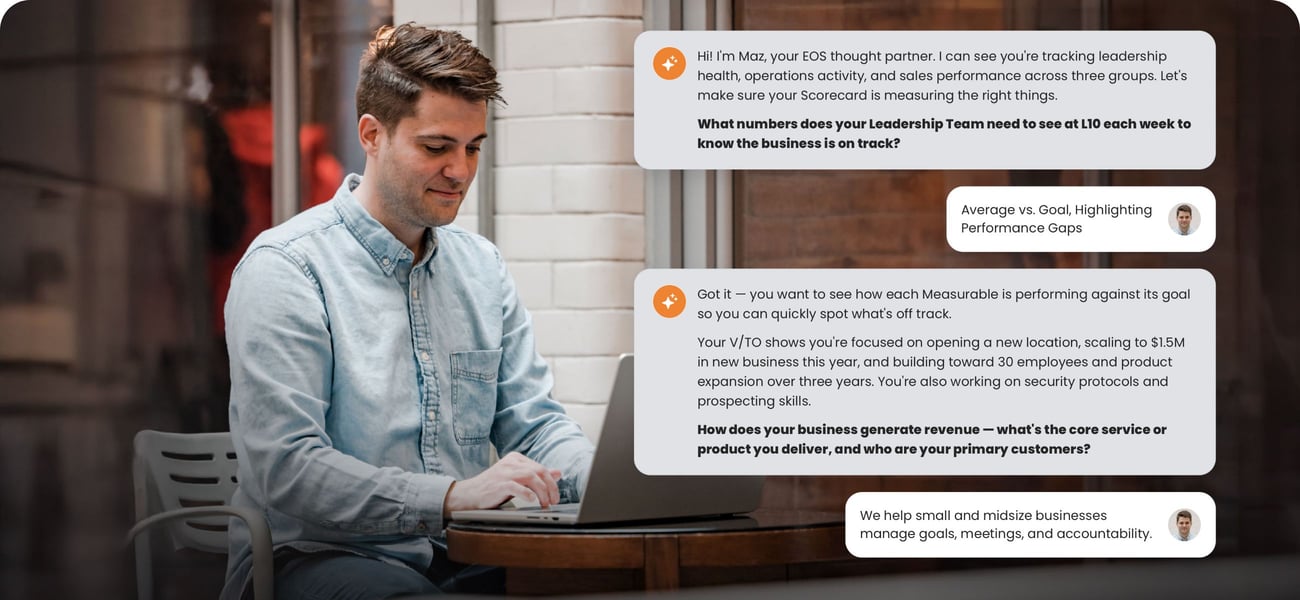
Your Smart Work Companion

Maz helps you choose the most impactful Rocks and make them SMART. No more vague goals. No more missed targets. Just strategic priorities that stick.

Learn more


New Features

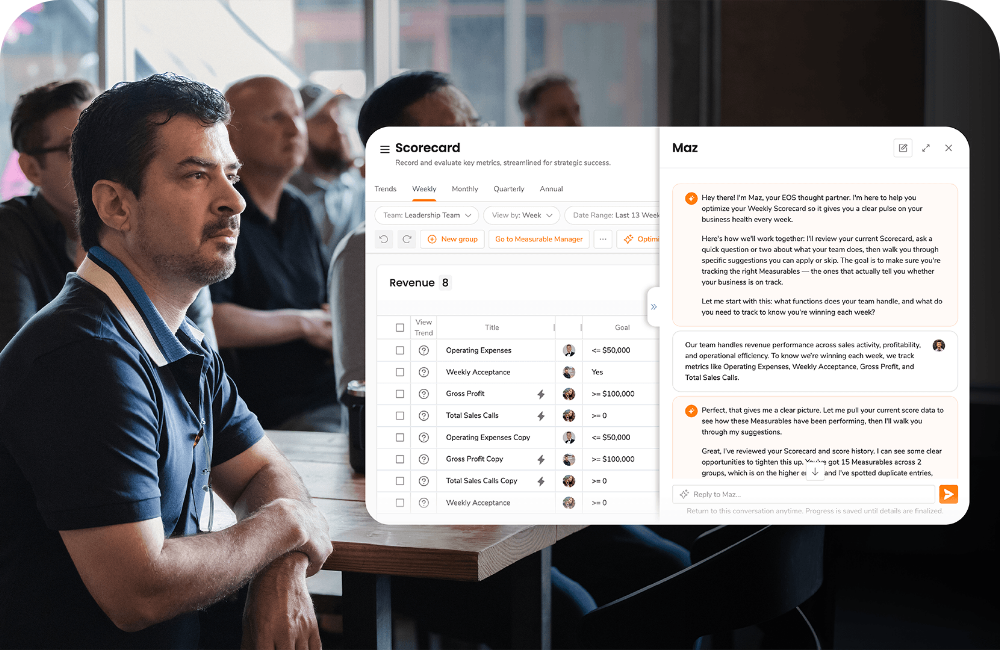
Team reviewing Ninety data dashboard showing weekly sales metrics, targets, and performance trends.

One Scorecard, Every Timeframe

See your company’s performance clearly from weekly execution to annual results. Toggle between week, month, quarter, or year views in a single Scorecard to analyze trends, align metrics across departments, and eliminate time-consuming exports and manual calculations.

Presenter standing beside a large Ninety scorecard dashboard displaying weekly team metrics and progress.

Smarter Scorecards. Clearer Insights.

Managing metrics just got easier. Bulk Copy, Paste, and Undo speed up updates and fixes, while Scorecard View by Filter lets you switch between week, month, quarter, or year views to spot trends and align strategy.

Person working on a laptop with Ninety login screen and multi-factor authentication code entry overlay.

Enterprise-Grade Security with New MFA

Protect your data with Ninety’s new authenticator app–based MFA. Get more secure, offline-ready access with industry-standard protection, admin-enforced policies, and built-in backup options you can trust.

Group 1986

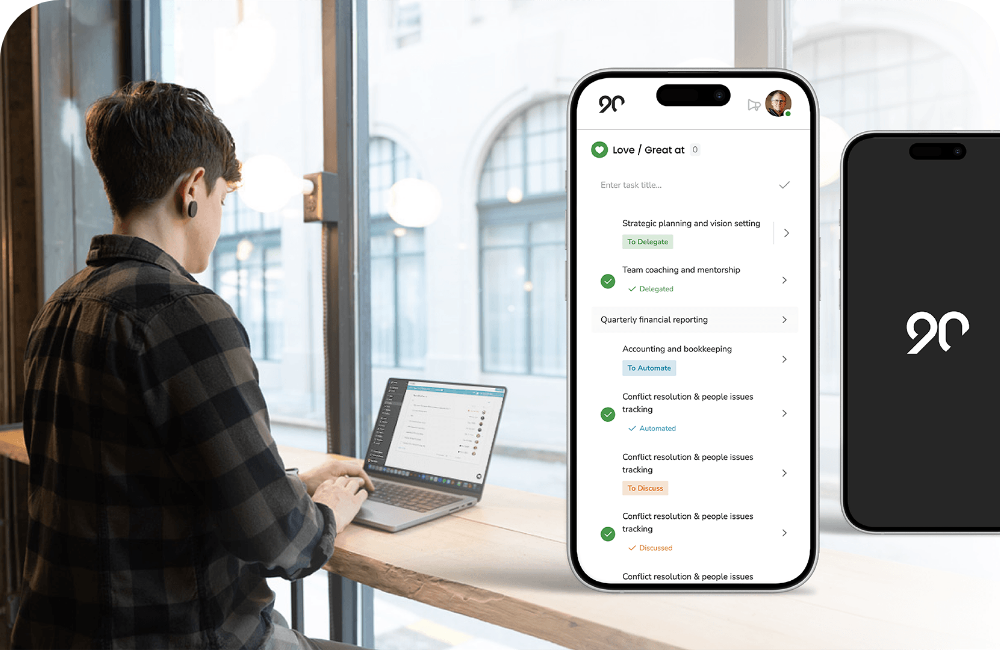
Mobile app

Ninety’s new mobile app empowers teams to strategize, align, and execute effectively on their company goals, regardless of their location.

skills-slider-image-1

Org Chart seat skills

Your Org Chart is now more than just an overview of your structure, it’s a comprehensive hub for growth and upskilling so people have the guidance and content needed to advance their careers.

reporting insights

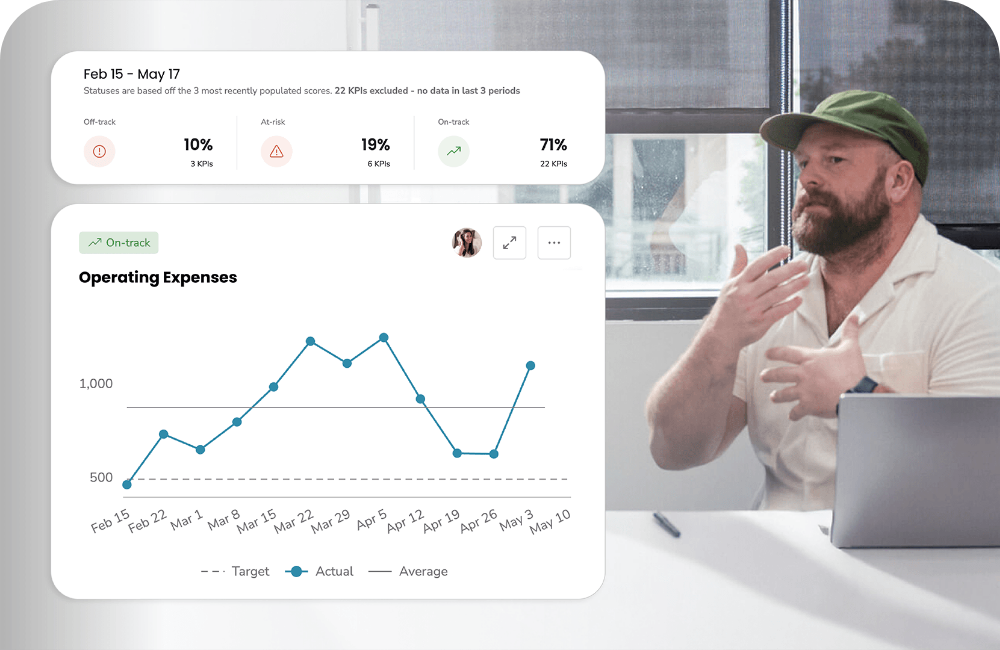
Insights

Structured insights that turn raw data into actionable insights, making it easier to monitor progress, address challenges, and keep teams aligned with organizational objectives.

1 / 6

Updates from earlier this year 

Share Rocks Across Teams: UI from the Ninety app

Shared Goals,
Shared Success

Enable cross-functional alignment on key priorities by sharing Rocks, increasing visibility, ownership, and collaboration with any non-private team.

LEARN MORE

Knowledge Portal screenshot from Ninety UI

Knowledge Portal

Turn employee learning into business growth with Ninety’s new Knowledge Portal. This comprehensive feature enables employees to upskill, track progress, and stay accountable — all in one place. 

LEARN MORE

Google Calendar and Outlook icons

Calendar Integrations

End the meeting scheduling chaos. Book team meetings directly in Ninety and sync automatically with Google or Microsoft calendars. No more double bookings or manual calendar entries eating up your day.

LEARN MORE

In Case You Missed it

Always improving, so your team can too

Be sure to check out our other recent enhancements. We are constantly improving our product based on client feedback. In case you missed them, here are some other improvements we’ve recently made to our tools.

Private To-Dos
The new Private To‑Dos tab allows you to create and manage your individual tasks and commitments right from the To‑Dos tool.

Learn more

Sync To-Dos with Google Suite Tools
Sync the To-Dos you have in Ninety with Google Tasks and Google Calendar so they’re always front and center in the places you view most often.

Learn more

Issues Voting
Team members can now vote on issues they want to prioritize for discussion during a meeting.

Learn more

Upgraded My 90
The upgraded My 90 is a customizable workspace and hub for all your key items in Ninety. This workspace is where you’ll see your Team To-Dos, Personal To-Dos, Rocks, and Scorecard KPIs across all your teams. And all in one easy view.

Learn more

Custom Language
Language matters to us at Ninety. Whether it's how you talk about your data or how you describe to your vision, we think your terms in Ninety shouldreflect how your team speaks. We added customizable language so you can call tools and other platform elements whatever you’d like.

Learn more

Multiple Org Charts
Team leaders can now draft multiple versions of an Org Chart to see which structure makes the most sense for their teams.

Learn more

Linked Items
Team members can now establish links between different types of records (Rocks, Issues, To-Dos, and more) to create connections between daily tasks and larger organizational goals.

Learn more

Main Navigation Improvements
Enhanced navigation within Ninety’s app offers a more intuitive user experience and makes it easier to invite users and find educational resources.

Learn more

Agreements-Based To-Dos
Use the To-Dos feature to create a task based on mutual agreements and commitments between assignor and assignee.

Learn more

Want to stay in the loop with what is new at Ninety? 

Subscribe to our product updates emails, or view our product updates blog.

Subscribe Now View Blog


Product roadmap

See what our product team has planned for enhancements next.


Test Ninety Products

Become a Beta Tester & try new products first


Sign up to be a beta tester and get early access to Ninety's latest enhancements. Provide us your feedback and help inform our product development.

Become a beta tester today

Sign Up